 CRUX
Build a Minecraft server like a game engine
Pick things in the scene, change values in the inspector and attach components to add features. The first scene you open is your vanilla server as it is, and saving reloads the running server. There is no separate plugin to build.
- 13
- Minecraft versions (1.12.2 to 26.3)
- 1255
- Nodes (312 generated from server code)
- 53
- Built-in components
- 2
- Server platforms (Paper · Fabric)
What an editor makes possible
Plugins and data packs can add server features too. The editor changes how you build them: like a game engine, you edit what you see, run it right away and roll it back.
In the editor
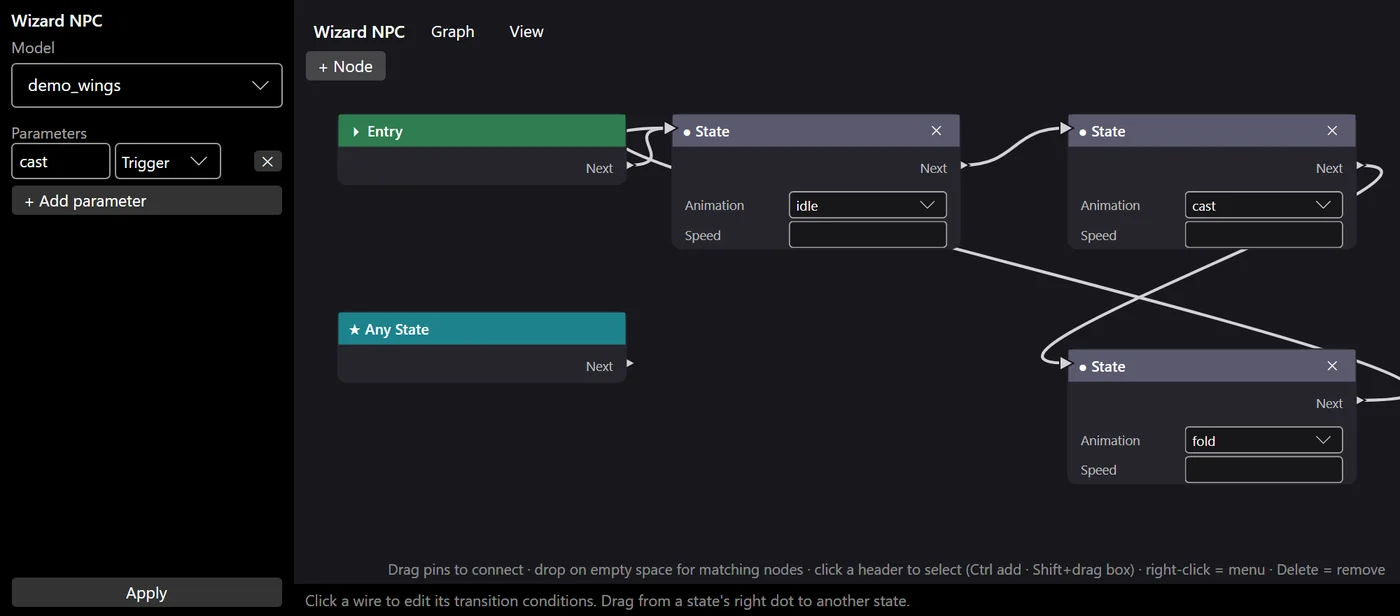
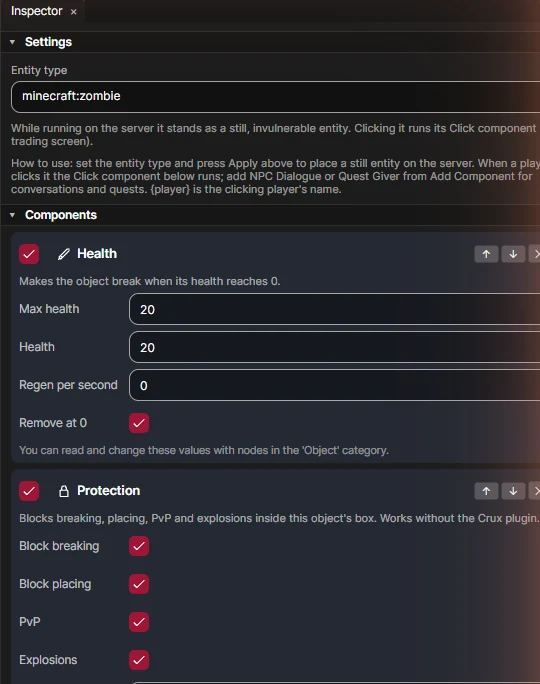
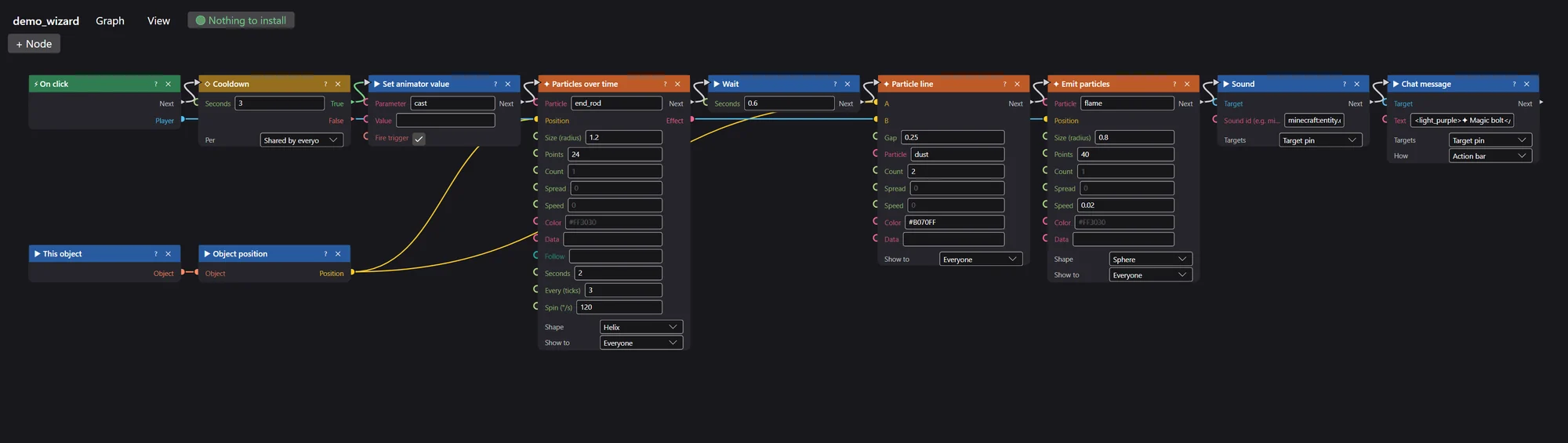
The demo pack (wizard NPC and fireball) opened in the editor, as is.
How it works
The blocks you pick in the scene become the place where your feature lives.
Select a range in the scene and add it to the hierarchy as an object.
Drag a node graph or Java component onto the object.
Save and the running server reloads it. There is no jar to ship.
Save blocks and behavior together as a prefab and place it anywhere.
What you can do in the editor
Renders the server world in the launcher; edit by clicking and flying around.
Selection, brushes, terrain, paths, clipboard and schematics for world editing — on screen, no commands.
Every object is one Transform plus components. Minecraft block, look, entity and light components decide how it looks and exists, and the Global layer covers the server and all players.
Rigidbody and collider make blocks, displays and models fall and collide. Sensor boxes, raycasts and click hitboxes use the same colliders, and velocity is in blocks per second.
Default behavior of doors, chests, levers, command blocks and mobs appears line by line. Only edited lines run on the server, and each line can return to vanilla. Mob AI goals can be toggled with nodes.
Camera, HUD element and name tag children sit under All players by default. The Movement component changes speed, jump, gravity and scale per player.
Save and place blocks together with behavior. Prefab edit mode shows cells that differ from the original.
Run with a graph open to see values on links, variables and time per second. The Profiler shows time per graph and scene cost.
Checks the nodes a scene uses against another Minecraft version and driver, listing what does not work and why.
1255 nodes with typed pins, branches, loops, variable scopes and functions.
312 nodes generated from the Minecraft server code, including things no plugin API exposes.
Receive events such as block breaking, damage and chat to cancel them or change values. Set an event line to graph instead of vanilla and place features before or after the original behavior with the Vanilla behavior node.
See and export the same logic as Java next to the nodes. The server compiles without a JDK, and VS Code or IntelliJ projects let you continue in an external IDE.
Add a jar to a mod server and let players download it automatically on join via a GitHub release URL and sha256.
A Java editor with autocomplete, compile on save and error lines.
Create and open projects from the start screen without the launcher. The server files and the editor plugin are added automatically.
When uploading an asset, choose Crux only or also general use. Using a feature that needs the Crux client forces Crux only.
Where it runs and what it needs
Anything that runs on the server needs no review; only what runs on players' PCs is reviewed before going public.
Check the support table for what works on each version. Version support
We respect creators
Crux respects the creators of every mod, plugin, resource pack, data pack and related tool.
- When the launcher downloads a mod or plugin it shows the author and the original page (Modrinth, CurseForge…), and fetches the file straight from the original source — never re-hosted or modified.
- Crux mods and plugins are built to coexist. When another mod or plugin does the same job, the Crux feature steps aside, and conflict reports are fixed first.
- Compatibility details for mod authors are published in the Crux Docs docs. Tell us about any conflict or compatibility request on Discord.